


Auto Repair Shop Marketing: Google Ads and LSA
Auto repair shop marketing that fills bays: Google Ads split by repair type, Local Services Ads, what a new customer may cost and a starter budget.
Shopify advertising for a small store: what to set up first, Google Shopping or Meta first, a starter budget from your margin, and checks each month.
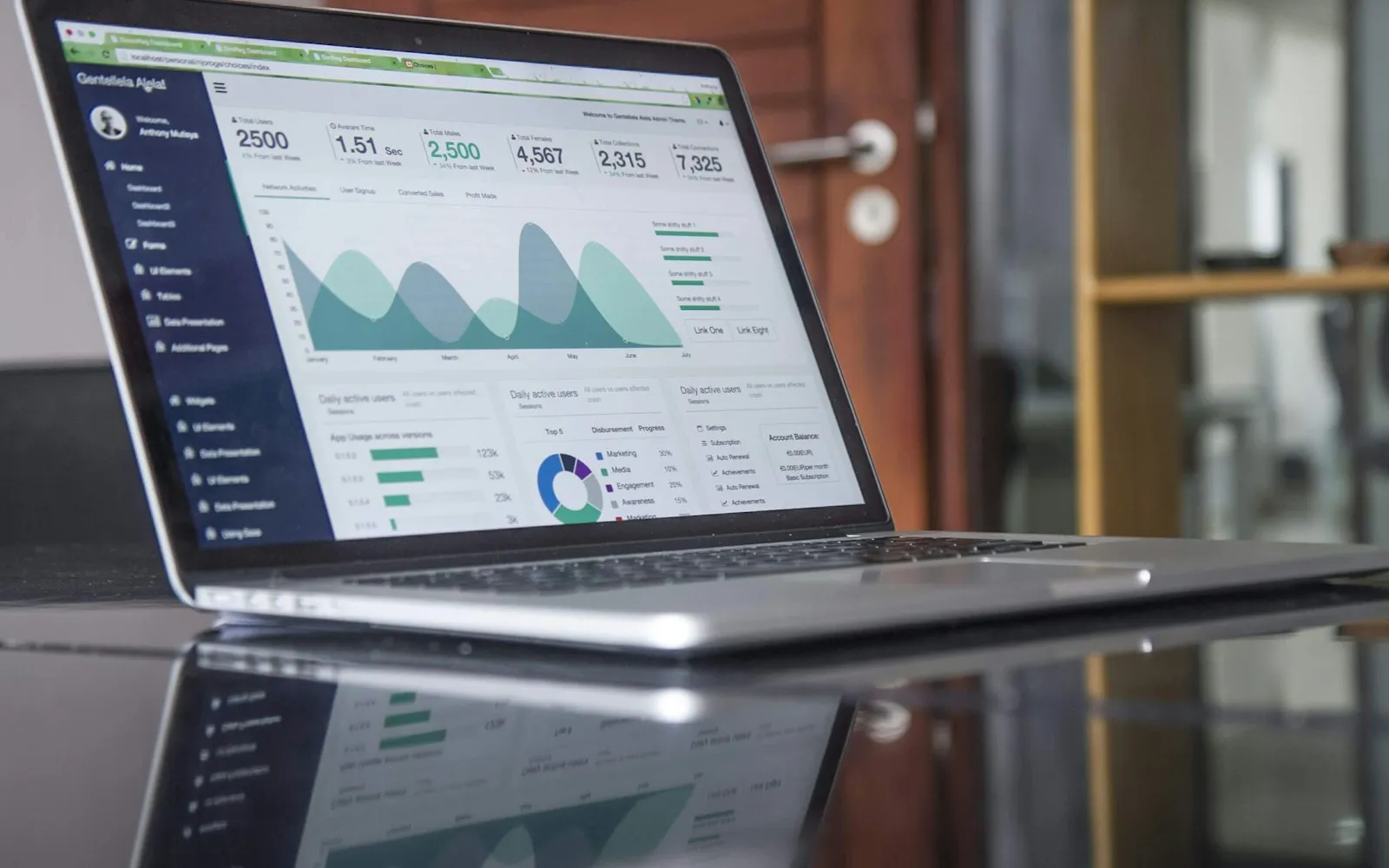
Your Shopify store has products, photos and a few orders from friends and Instagram followers. Now you want strangers to buy, and the Shopify admin offers a Google app, a Meta app, Shop Campaigns and a marketing tab full of suggestions, each promising sales.
This guide picks a starting point for a store spending its own money. It covers the channels a Shopify store can advertise on, what to connect before the first dollar, how to decide between Google and Meta, a starter budget built from your margin, and what to check in week one, month one and month three.
You have four realistic places to start. Each needs different things from you, and each suits a different kind of product:
| Channel | What the shopper sees | What you need first | Best for |
|---|---|---|---|
| Google free listings | Your products on the Shopping tab, Search, Images and YouTube, at no cost (Google Merchant Center Help) | Merchant Center linked through the Google & YouTube app | Every store, from day one |
| Google Shopping and Performance Max | A product photo, title, price and store name, chosen from your product data instead of keywords (Google Ads Help) | A clean product feed and purchase tracking | Products people search for by type or name |
| Meta ads (Facebook and Instagram) | Photos, videos and catalog ads in the feed, Stories and Reels | The Facebook & Instagram app, the Meta pixel and the Conversions API | Products people buy on sight: fashion, gifts, home, beauty |
| Shop Campaigns | Your products in the Shop app, shop.com and the Shopify Product Network; you pay only when a customer converts (Shopify Help Center) | A store that meets Shopify’s eligibility rules | A test alongside the main channel, once it runs |
TikTok, Pinterest and Microsoft Ads can work too. For a store with one person running the ads, two channels done well beat five set up and forgotten.
We check the setup before any ad runs, because a campaign that can’t see purchases optimises for clicks, and a feed with missing data shows the wrong products or none.
Google’s own app for Shopify syncs your products to Merchant Center, lets you create Performance Max campaigns and maps Shopify events such as purchase, add_to_cart and begin_checkout to Google Ads conversion actions (Google Merchant Center Help). The app is free to install; ad spend bills to your Google Ads account (Shopify App Store).
After the first sync, open Merchant Center and read the product statuses. “Limited” means only some products synced because of errors or missing data (Google Merchant Center Help). Fix those before you pay for clicks: a product Google can’t show in free listings won’t show in ads either.
The Facebook & Instagram channel syncs your products to a Meta catalog and lets you add a Meta pixel and choose a data-sharing level (Shopify Help Center). Shopify offers three levels: Standard uses the pixel alone, while Enhanced and Maximum add Meta’s Conversions API, which sends purchases server to server so browser ad blockers can’t stop them (Shopify Help Center).
Pick Maximum unless your privacy policy or local law stops you, and update the policy to say what you share. Our Meta CAPI setup guide covers testing events and match quality in Events Manager.
Place a real test order with a discount code. Within a day it should show as one purchase in Google Ads, one in Meta Events Manager and one in Shopify, with the same value. Two purchases in one platform usually means a theme snippet or an old app still fires the tag next to the app’s own. If you sell in the EU or UK, the consent banner decides what gets through; our guide to consent mode and GDPR ad tracking covers that side.
If the numbers don’t line up after a second test, our e-commerce tracking work starts at that step.
Before you pick a channel or a budget, work out the ceiling: the most you can pay in ads for one order and still not lose money. Revenue doesn’t decide it. Your margin after product cost, shipping, packaging and payment fees does.
The ceiling as a ROAS (return on ad spend, revenue divided by ad cost) is your break-even ROAS:
Break-even ROAS = average order value ÷ profit per order before ads
Say a store sells candles at an average order of $60 (a hypothetical example):
| Line | Per order |
|---|---|
| Average order value | $60 |
| Product cost | −$18 |
| Shipping and packaging | −$8 |
| Payment fees, say | −$2 |
| Profit before ads | $32 |
| Break-even ROAS | 60 ÷ 32 = 1.9 |
At a ROAS of 1.9 the store spends $32 to make $32: every order breaks even. To keep $10 per order, the ads can cost at most $22 an order, which is a ROAS of 60 ÷ 22 = 2.7. That 2.7 is the number to judge campaigns by, and the target to set once a campaign bids on ROAS.
You can work out your own break-even ROAS from your order value and costs. Repeat customers change the picture: if a candle buyer orders three times a year, a first order at break-even can still pay. Use repeat purchase only when your Shopify data shows it, not as a hope.
Start where your buyers already are. Google catches people who search for the thing; Meta shows the thing to people who weren’t looking and buy because it caught their eye.
| Your products | Start with | Why |
|---|---|---|
| People search for them by type (“waterproof dog bed”, “4-person tent”) | Google Shopping | The search already exists; you take a share of it |
| People search for them by brand or model number | Google Shopping and brand search | Searchers know what they want and compare price and delivery |
| They sell on looks, story or novelty (jewellery, prints, gifts) | Meta ads | Few people search for a product they haven’t seen yet |
| A new product type nobody searches for yet | Meta ads | You create the demand, then Google catches the searches that follow |
| Low price, under the cost of a typical click plus shipping | Neither yet | Raise the order value with bundles or a free-shipping threshold first |
With a small budget, fund one channel properly before you add the second. Two half-funded channels each collect too few purchases to learn from, and you can’t tell which one works. The cost of Facebook ads and the cost of Google Ads guides show what each channel’s clicks and budgets look like.
Shopping ads use the product data you sync to Merchant Center. Two campaign types can show them: Standard Shopping, which shows on the Shopping tab, next to Search results and in Google Images, and Performance Max, which can also show your products on YouTube, Display, Gmail and Demand Gen placements (Google Ads Help).
For a small store we start with this:
Point 4 looks minor. A B2B lab-supplies store in our published cases showed its Shopping ads to people only “interested in” its target area; setting Shopping to people in the area was one of the changes, alongside pausing campaigns that didn’t pay back and rebuilding brand search. In the same quarter a year apart, its cost per online purchase fell from $88 to $50, with 83 purchases rising to 102 on spend that went from $7,371 to $5,117 a quarter. Source: Octomize project
Once the first campaign sells, split products by margin so your best earners get the budget. Our profit-first account structure shows the full layout, and the Performance Max playbook covers when PMax beats Standard Shopping. That’s the work our Google Shopping service does.
Meta needs to see purchases to find buyers, so the pixel and Conversions API come first (see the setup section above). Then keep the first account small:
We treat the ads themselves as the main lever on Meta, so plan to make new ones every few weeks. Our post on Meta ads creative in 2026 covers how to test it, and our Facebook ads for e-commerce page shows how we run it for stores.
Build the budget from the ceiling, not from what feels affordable. Using the candle store above, with ads allowed to cost $22 an order:
| Monthly budget | Orders at $22 each | What you can judge after a month |
|---|---|---|
| $300 | About 14 | Too few to tell a good ad from a lucky one |
| $1,000 | About 45 | Enough to see which products and ads sell |
| $2,000 | About 90 | Enough to split one channel into two campaigns |
So a store at $1,000 a month should run one channel and let it learn. At $2,000 it can run Google Shopping and brand search with about $1,400, and test Meta with $600. The first month rarely hits $22 an order; judge the trend over two months before you cut or scale.
We start a small Shopify store on one channel, with purchase tracking tested end to end, a margin ceiling written down and a budget that can buy at least 30 to 50 orders a month at that ceiling. We’d rather run one Shopping campaign on 20 products that make money than a Performance Max campaign on 400 that mostly don’t.
We don’t launch Performance Max on the full catalog in week one, we don’t judge Meta by the ROAS in Ads Manager alone, and we don’t add a second channel until the first one pays. We compare what each platform reports with Shopify’s orders every month, because both platforms count some orders the other also claims.
Copy this into your calendar:
Week one
Month one
Month three
| Mistake | What it costs | Fix |
|---|---|---|
| Purchases counted twice (app plus old theme code) | Platforms report double sales; you scale a loser | One source per platform; test order |
| Whole catalog in one campaign | Budget goes to cheap, low-margin products | Start with your top 10–30 products |
| Product titles that are brand names only | Shopping ads miss the searches people make | Product type and key attribute first |
| Judging Meta on Ads Manager ROAS alone | Meta claims orders Google and email also drove | Check Shopify sales by channel each month |
| Changing ads and budgets every few days | Campaigns never leave learning | Change one thing, then wait two weeks |
| Free shipping on orders below your margin | Ads sell orders that lose money after postage | Free-shipping threshold above your average order |
If you’d like a second pair of eyes on your store’s Google or Meta setup before you raise the budget, see how we run ads for online stores, or book a call.
Work out the most an order can cost in ads from your margin, then budget for at least 30 to 50 orders a month at that cost. If an order can cost $22, that’s about $700 to $1,100 a month on one channel. Less than that still runs, but you’ll wait longer to know what works.
The app needs a Google Ads account for paid campaigns and bills your spend there. You can create a Performance Max campaign inside the app, but brand search, Standard Shopping, negative keywords and location options live in Google Ads itself. Most stores use the app for the product sync and conversions, and Google Ads for the campaigns.
They can, but expect a slower start, because Google and Meta learn from purchases and you have none yet. Turn on Google free listings, fix the feed and test a small Shopping campaign on the products you expect to sell best. Get product reviews and a clear returns policy on the store before you raise spend.
Standard Shopping shows you search terms and gives you more control, which helps on a small budget. Performance Max reaches more placements and needs more purchase data to learn. Start with whichever you can watch closely, and move to Performance Max once a campaign brings in steady orders.
See it in practice
A B2B store selling microbiology test supplies paid $88 in Google Ads for each online order. We cut the campaigns that didn't pay back, rebuilt brand search and tightened who saw the ads. A year later, the same quarter brought 23% more orders at $50 each, on 31% less spend.
Source: Google Ads, client account, Purchase Complete conversions, Jul–Sep 2025 vs Jul–Sep 2026
Related articles
Auto repair shop marketing that fills bays: Google Ads split by repair type, Local Services Ads, what a new customer may cost and a starter budget.
PPC company, freelance PPC consultant or an in-house hire? Compare true UK costs, cover and skills, with a decision tree and an ownership checklist.
When Performance Max fits and how to set it up: feed profit margins and stock levels through custom labels, send profit values, add exclusions.
We use cookies for analytics and advertising. You can opt out of the sale or sharing of your data at any time.Cookie Policy
Your browser's Global Privacy Control signal is on, so we don't share your data for advertising.