GDPR and Ad Tracking in the EU: What Needs Consent
What GDPR and the ePrivacy rules mean for Google Ads and Meta tracking in the EU and UK: what needs consent, what Google requires, and server-side limits.
Ad blockers, Safari limits, iOS app tracking rules and cookie consent all drop conversions. Learn why, and how server-side tracking fills the gaps.
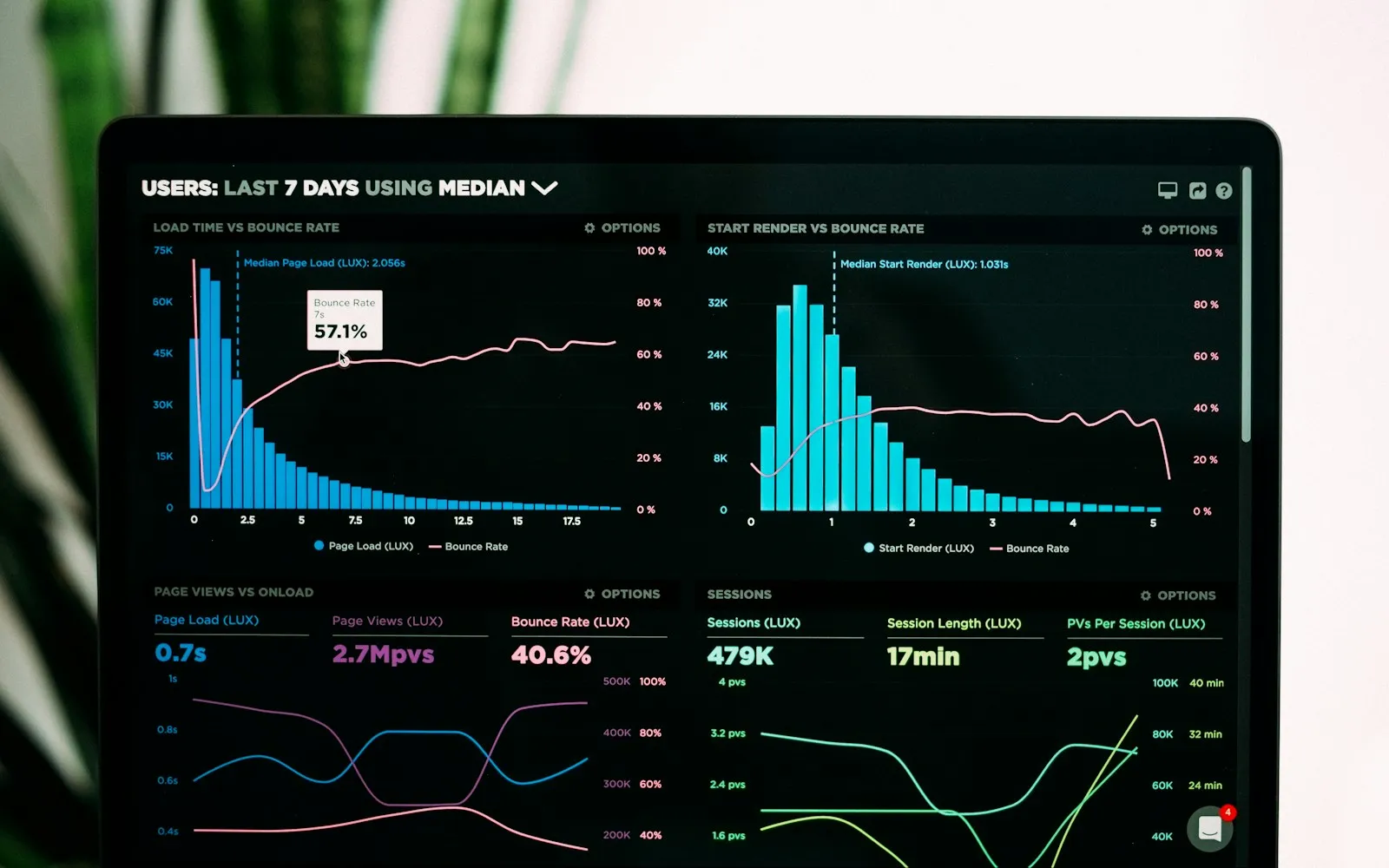
You open your analytics dashboard and see traffic, conversion counts and cost per lead. You set budgets and report to stakeholders from those numbers.
A share of that data is missing. Bad implementation causes some of it, but most of the loss comes from how browsers, devices and privacy rules now handle tracking. If you rely only on client-side tracking, where JavaScript on your site sends data straight from the visitor’s browser to Google Analytics or your ad platforms, you’re deciding on an incomplete picture.
For years the standard setup was one tracking script per platform. A visitor arrived, the script set cookies, recorded behavior and sent it to Google Analytics, Meta or Google Ads. Four changes broke that model.
Ad blockers. Most ad blockers block tracking scripts along with ads. If your Google Analytics tag gets blocked, that visitor never appears in your data.
Safari’s Intelligent Tracking Prevention. Safari deletes cookies created by JavaScript after seven days without a visit to your site, and caps them at 24 hours when the visitor arrives through a decorated link from a domain Safari classifies as a tracker (WebKit, Tracking Prevention). Since Safari 26, Apple also stops known fingerprinting scripts from writing long-lived cookies or reading query parameters, in all browsing modes (WebKit, Safari 26.0). In Private Browsing, Safari strips known click IDs from URLs (WebKit, Private Browsing 2.0).
iOS App Tracking Transparency. Since iOS 14.5, apps must ask permission before they track a user across other companies’ apps and websites (Apple). That limits what Meta can measure from people who browse inside its apps and then buy on your site.
Cookie consent. GDPR and similar laws require consent for non-essential cookies. Visitors who decline don’t get tracking cookies, and in the EEA Google requires you to pass their choice through Consent Mode (Google Ads Help).
Chrome is the exception. Google dropped its plan to remove third-party cookies and keeps them available by default (Privacy Sandbox, Oct 2025). The losses above come from blockers, Safari, iOS and consent, which Chrome’s decision doesn’t touch.
The size of the gap depends on your audience, device mix and banner. You can measure your own, as shown in the last section.
Server-side tracking moves data collection from the visitor’s browser to a server you control. The browser sends events to your server first, and your server forwards them to each platform.
track.yourdomain.com, instead of (or alongside) sending it to each platform from the browser.The link between your server and the ad platforms runs server to server, so ad blockers and browser cookie limits can’t interfere with it. Cookies your server sets on your own subdomain count as first-party, so Safari treats them better than cookies written by a third-party script.
You still need consent. Server-side tracking makes the data from people who say yes more complete. It gives you no right to track people who say no.
Google Ads and Meta bid using your conversion data. When you report that a click led to a purchase or a qualified lead, Smart Bidding and Meta’s delivery system look for more people like that buyer.
If part of your conversions never arrive, the algorithm learns from a partial sample. It may lower bids on the keywords and audiences that sell, because it can’t see their sales. Server-side events, paired with enhanced conversions in Google Ads and the Conversions API in Meta, give both systems a fuller record to learn from.
Meta takes the bigger hit from iOS, so the Conversions API matters most there. Set it up with deduplication against the Pixel and send hashed customer data, or Meta can’t match the events.
The standard tool is a Google Tag Manager server container. You can host it yourself on Google Cloud, or use a managed host such as TAGGRS (an Octomize partner) or Stape that runs the infrastructure for you. A typical setup looks like this:
track.yourdomain.com) at the server, so requests stay first-party.Self-hosting gives you control and more maintenance. A managed host gets you live faster for a monthly fee. We compare both in TAGGRS vs GTM server-side.
Yes, if you build it that way. Because data passes through your server before it reaches any third party, you can:
You still need a consent management platform, you still honor opt-outs, and GDPR still applies. Server-side tracking changes the transport, not your legal duties. For how Google handles visitors who decline, read Consent Mode v2 and conversion modeling.
Measure your gap. Compare a source you trust, such as orders in your shop backend or form submissions in your CRM, with the conversions Google Ads and Meta report for the same period. The difference tells you how much you’re losing.
Start with Google Ads and Meta conversions. These feed bidding, so fixing them changes how your budget gets spent.
Run both setups side by side at first. Keep your browser tags live while the server container runs, compare the numbers, then move tags over once events match.
Turn on the platform features. Enable enhanced conversions in Google Ads and the Conversions API in Meta, with deduplication, so the server data gets used.
If you want this done for you, our tracking service covers the audit and the build, and feeds clean data into your Google Ads and Meta Ads campaigns.
No. You still need consent for tracking under GDPR and you must pass consent choices to Google and Meta. Server-side tracking makes data from consenting visitors more complete.
It helps. Requests to your own subdomain get blocked less often than requests to known tracking domains, and the server-to-platform connection never passes through the browser. Some blockers still catch first-party tracking endpoints.
No. Google confirmed in 2025 that Chrome keeps third-party cookies with user choice through its existing settings, and it retired most Privacy Sandbox APIs in October 2025.
Not always. If you spend little on ads, start with a clean Google tag, enhanced conversions and Consent Mode. Server-side tracking pays off once bidding decisions on your spend depend on complete conversion data.
Related articles
What GDPR and the ePrivacy rules mean for Google Ads and Meta tracking in the EU and UK: what needs consent, what Google requires, and server-side limits.
How to set up Google Ads conversion tracking: the Google tag, which actions to make primary, counting, windows, transaction IDs and how to check it works.
Consent Mode v2 is required for EEA traffic. Learn basic vs advanced mode, when Google models conversions, where setups break and how to lift consent.
We use cookies for analytics and advertising. You can opt out of the sale or sharing of your data at any time.Cookie Policy
Your browser's Global Privacy Control signal is on, so we don't share your data for advertising.